


Contents: Press S - select function ⬇ Pressing R - resets the value ⬇ Instantaneous fuel consumption ⬇ Average fuel consumption ⬇ Total fuel consumption ⬇ Speed ⬇ Distance ⬇ The range on the remaining fuel in…⬇ The range on the remaining fuel in…⬇ Travel time ⬇
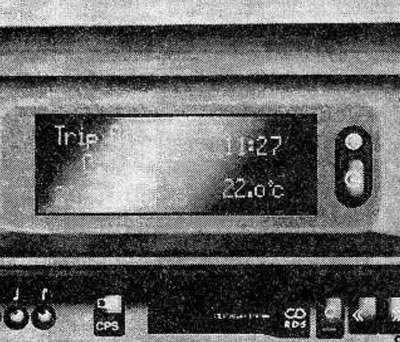
The Opel on-board computer continuously records data, evaluates it and transmits it to the driver.
Press the button to display the following functions:
- Instantaneous fuel consumption.
- Average fuel consumption.
- Total fuel consumption.
- Speeds.
- Distances.
- The range on the remaining fuel in the tank.
- Travel time.
Some functions are displayed in abbreviated form.
For bug reports (check control) always priority when displayed on the display.
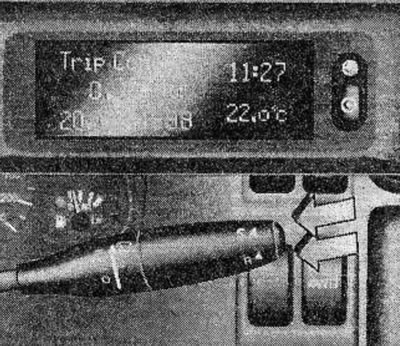
The on-board computer is controlled by two buttons located on the windshield wiper control lever:
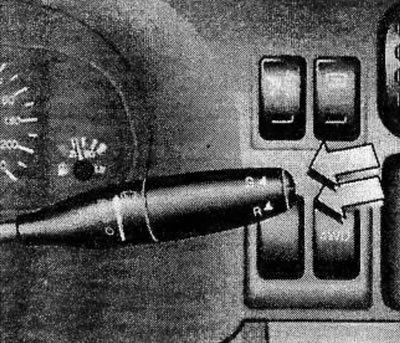
Press S - select function
Press and hold the button until the desired function is displayed.
Pressing R - resets the value
When the functions are displayed:
- Average fuel consumption.
- Total fuel consumption.
- Speeds.
- Distances.
they are activated by simultaneously pressing the R button (for at least 2 seconds).
The values previously recorded in the memory are automatically erased, and the travel time is set to 0.
Instantaneous fuel consumption
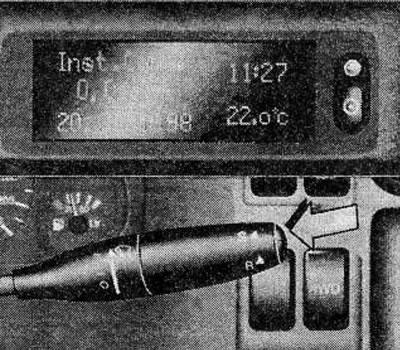
The indication changes depending on the speed:
- Indication l/h less than 13 km/h.
- Indication l/100 km more than 13 km/h.
- Indication 0.0 l/100 km when accelerating the vehicle.
Average fuel consumption
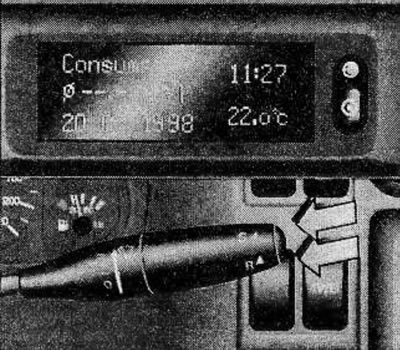
The calculation of average fuel consumption can be started at any time by pressing the R button.
- Indication l/100 km.
- (Display in m/gal).
Total fuel consumption
Indicates the total fuel consumption. The indication measurement can be started at any time by pressing the R button.
- Indication in l.
- (Indication in gal).
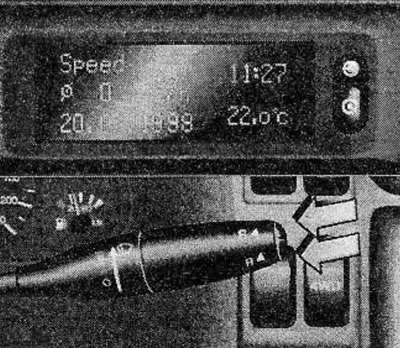
Speed
[Text copied from a web portal: OpelBook.ru]
Average speed calculation can be started at any time by pressing the R button.
Stops of the vehicle with the ignition turned off are not taken into account when calculating the average speed.
- Display in km/h.
- (Indication in mph).
Distance
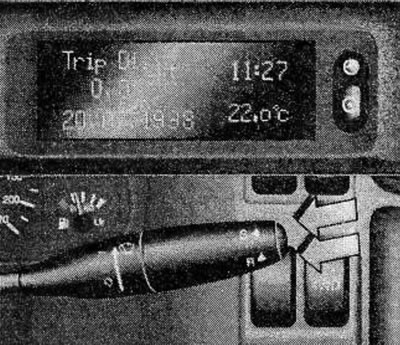
Indicates the vehicle's mileage. The measurement can be started at any time by pressing the R button.
- Indication in km.
- (Indication in miles).
The range on the remaining fuel in the tank is more than 50 km
The range on the remaining fuel in the tank is calculated based on the fuel reserve in the tank and the average fuel consumption during the last 20-30 km of the vehicle's mileage.
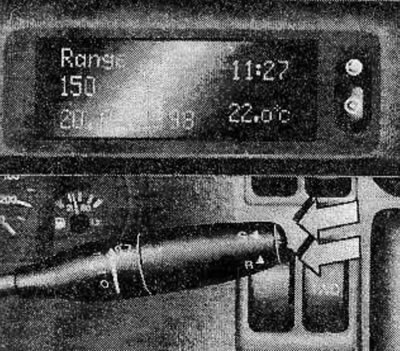
After refuelling the vehicle, a new range is set by pressing the R button or automatically after driving a short distance.
- Indication in km.
- (Indication in miles).
The range on the remaining fuel in the tank is less than 50 km
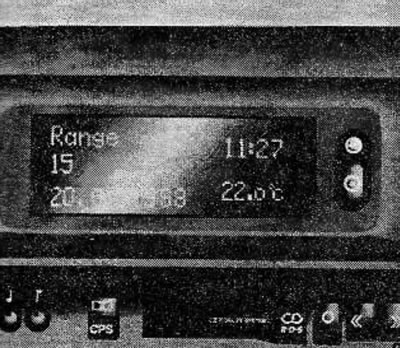
The display switches to the "Range on remaining fuel in the tank" mode without pressing the S button when the vehicle can travel less than 50 km on the remaining fuel.
The indicator is flashing.
This warning can be cancelled by selecting another function. After the vehicle stops, the display returns to the "Range of fuel remaining in the tank" display mode.
- Indication in km.
- (Indication in miles).
Travel time
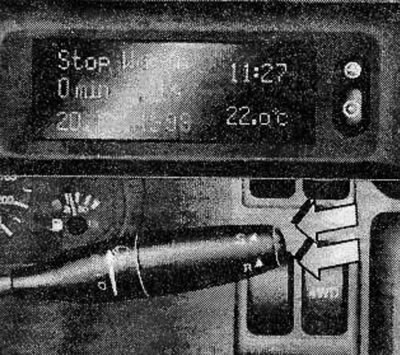
When you press the R button, the indication changes as follows: 0 - departure - stop - 0.
Travel time calculation stops when the ignition is turned off. After the ignition is turned on, the travel time calculation resumes from the moment the ignition was turned off.
Visitor comments