


Contents: Light switch ⬇ Central panel switches ⬇ Headlight Range Switch ⬇ Glove compartment light switch ⬇
1. Before removing any switch, disconnect the negative battery cable. Reconnect the wiring after installing the switch.
Light switch
2. Turn the low beam switch knob and remove it.
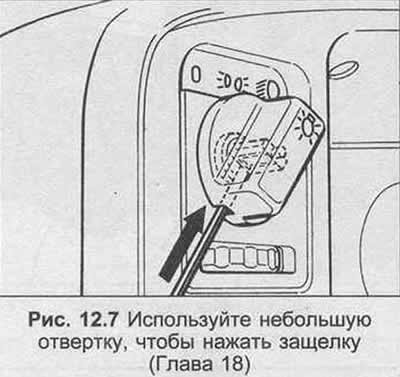
3. Using a small screwdriver, press the latch and remove the button as shown in Figure 12.7.
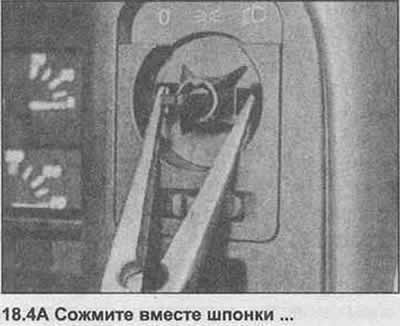
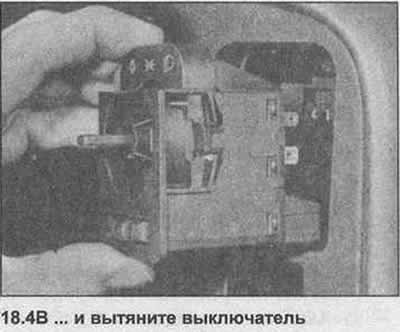
4. Squeeze the clamps together and pull out the switch (photo).
5. Installation is carried out in reverse order.
Central panel switches
6. Cover the panel above the switch with a strip of adhesive tape.
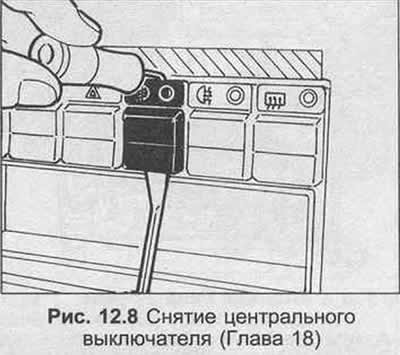
7. With two screwdrivers (one under the switch and the other above the switch), remove the switches as shown in Figure 12.8.
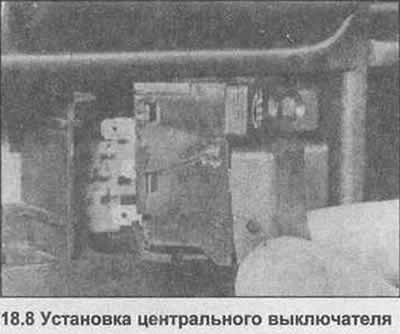
8. The switches are installed by pressing the switch into place (photo).
Headlight Range Switch
9. Using a screwdriver under the switch, lift the switch.
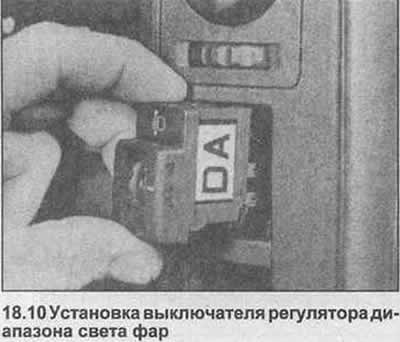
10. Installation is carried out by simply pressing the switch into place (photo).
Glove compartment light switch
11. Remove the glove compartment as described in Section 11.
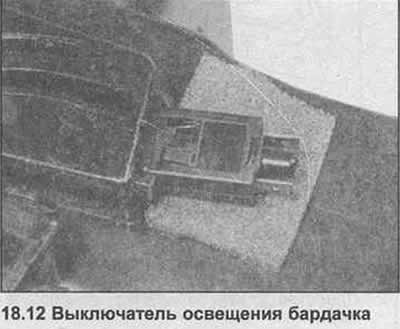
12. Pull off the switch (photo).
13. Installation is carried out in reverse order.
Visitor comments